
Summary
- Five steps in 30 days cover a new business's online basics.
- Your Google Business Profile is the most important free listing.
- A one-page site is enough to look established at the start.
- Ask for your first five reviews on purpose.
The Short Answer
In your first 30 days after the LLC, set up five things in this order: consistent business details, a Google Business Profile, a simple landing page, a few key profiles and your first reviews.
That's enough for anyone who hears about you to find you, trust you and contact you. Everything else can wait until you have customers.
The 30-Day Plan
One focus per week keeps the setup manageable while you're also starting to work.
| Days | Focus | What to do |
|---|---|---|
| Days 1 to 3 | Your basics | Choose how your business name, phone and address will appear, and use them identically everywhere |
| Days 4 to 7 | Google Business Profile | Create and verify it; add your services, area, hours and real photos |
| Days 8 to 14 | A landing page | Launch one fast page with your services, area, proof and a contact form |
| Days 15 to 21 | Key profiles | Claim Bing Places, Yelp and one directory for your industry, with the same details |
| Days 22 to 30 | First reviews | Ask your first five customers for a Google review and reply to every one |
Week 1: Decide Your Details Once
Decide once how your business name, phone number and address will appear, and never change the format.
Search engines and AI tools compare your details across the web. "Smith Painting LLC" in one place and "Smith Painters" in another looks like two different businesses. If you work at customers' homes, you can hide your address and show a service area instead.
Week 1: Your Google Business Profile
Your Google Business Profile is the most important free listing for a local service business.
- Choose the most specific category that matches your main service.
- List every service you offer and the areas you serve.
- Add real photos of you, your vehicle or your work.
- Set your hours, and keep them accurate.
- Use the exact same name and phone you'll use everywhere else.
Week 2: A Simple Landing Page
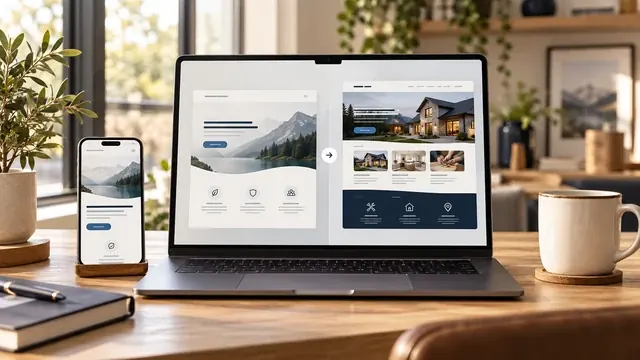
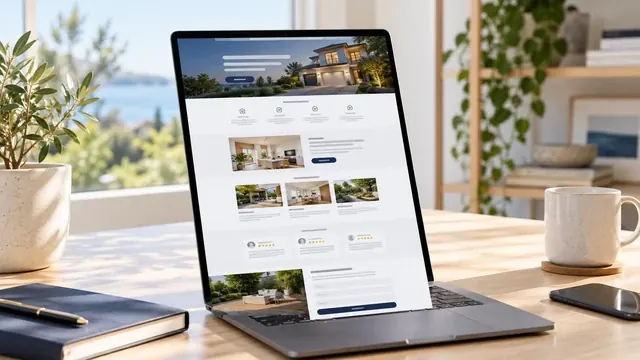
A landing page gives your business a professional home online and a place to send people from your cards, truck and profiles.
You don't need a big site yet. One page with your promise, services, a bit of proof, a short introduction and a contact form is enough to look established. Not sure if that's enough for you? Read is a one-page website enough for a small business.
Week 3: The Profiles That Matter
Claim a few profiles where your customers and search engines look, rather than dozens nobody visits.
Bing Places matters because AI tools like ChatGPT lean on Bing for live answers. Yelp and one directory specific to your industry, like Angi for home services, round out the basics. Use identical details on each.
Week 4: Your First Five Reviews
Your first five reviews change how every new customer sees you, so ask for them on purpose.
- Finish the job well and ask in person while the customer is happy.
- Send a direct link to your Google review form by text the same day.
- Ask them to mention the service and the town, if they don't mind.
- Reply to every review with a short, personal thank-you.
What Can Wait
Skip these until you have steady customers: a large website, paid ads, a blog and accounts on every social network.
When you're ready to grow, compare your options in landing page vs website.
Key Terms in Plain English
These are the terms used in this guide, each explained in one sentence, the same way we explain them on our calls.
- Google Business Profile
- Google's free business listing that appears on Google Maps and in local results, with your hours, photos, services and reviews.
- Landing page
- A single web page built for one goal, such as getting quote requests, instead of a full site with many pages.
- Domain name
- Your website's address, like yourbusiness.com. It is renewed every year with a registrar and should always be registered in your name.
- NAP consistency
- Using exactly the same business name, service area and phone number on your website, your Google Business Profile and every directory.
Frequently Asked Questions
These are the questions owners ask us most about this topic.
What should a new business do online first?
Decide your business details, then create your Google Business Profile. Those two steps make you findable on Google Maps and search.
Does a new business need a website?
A simple one, yes. A landing page makes you look established and gives people a place to contact you, even before you have many customers.
Can I use my home address on Google?
If customers don't visit you, you can hide your address and show a service area instead.
How many reviews does a new business need?
Start with five. They show new customers that real people have hired you and had a good experience.
Should a new business run ads right away?
Usually not. Set up your profile, page and first reviews first, so the people who click an ad find a business they can trust.